OpenClaw, with truly native capabilities and feel.
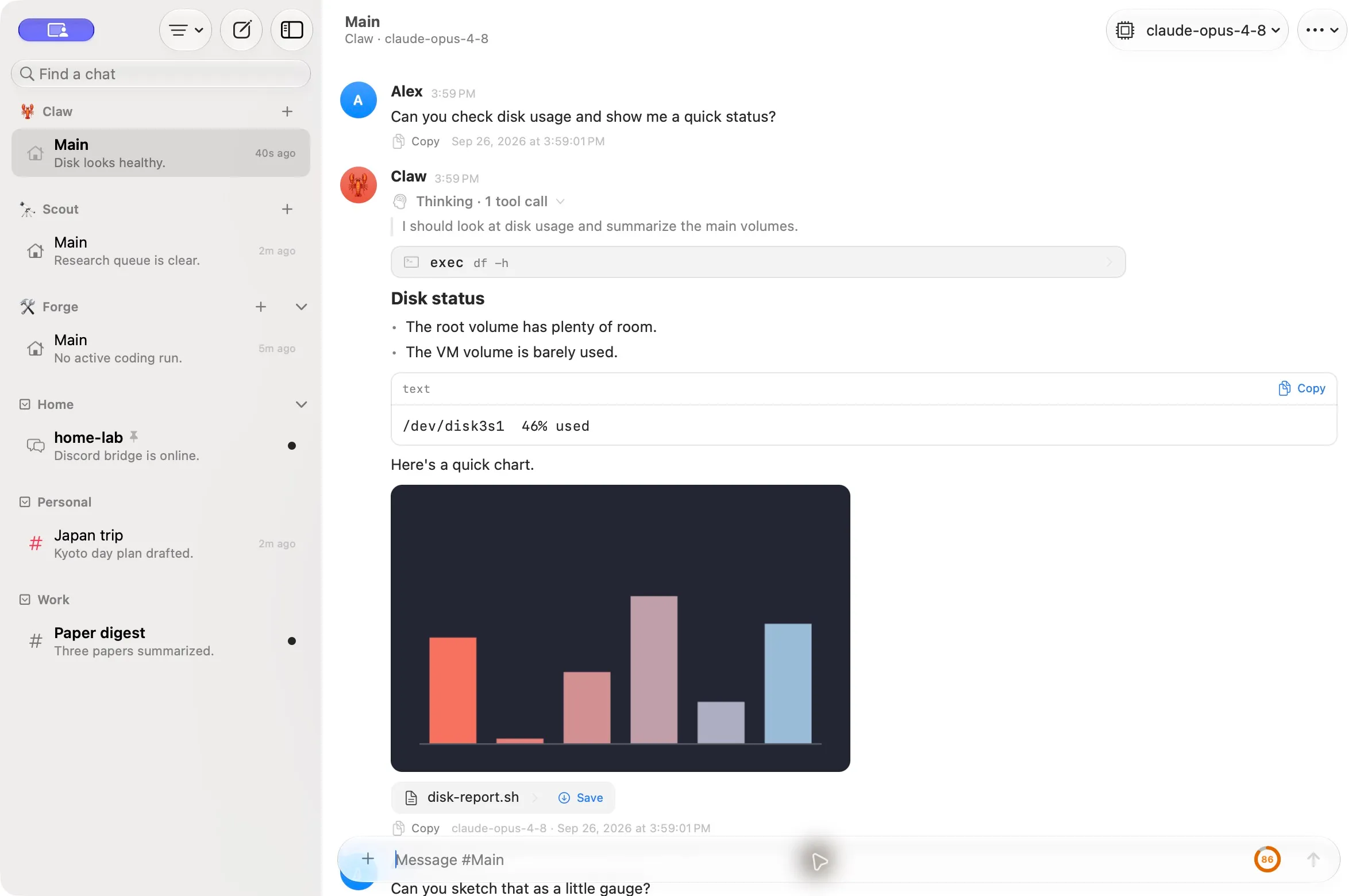
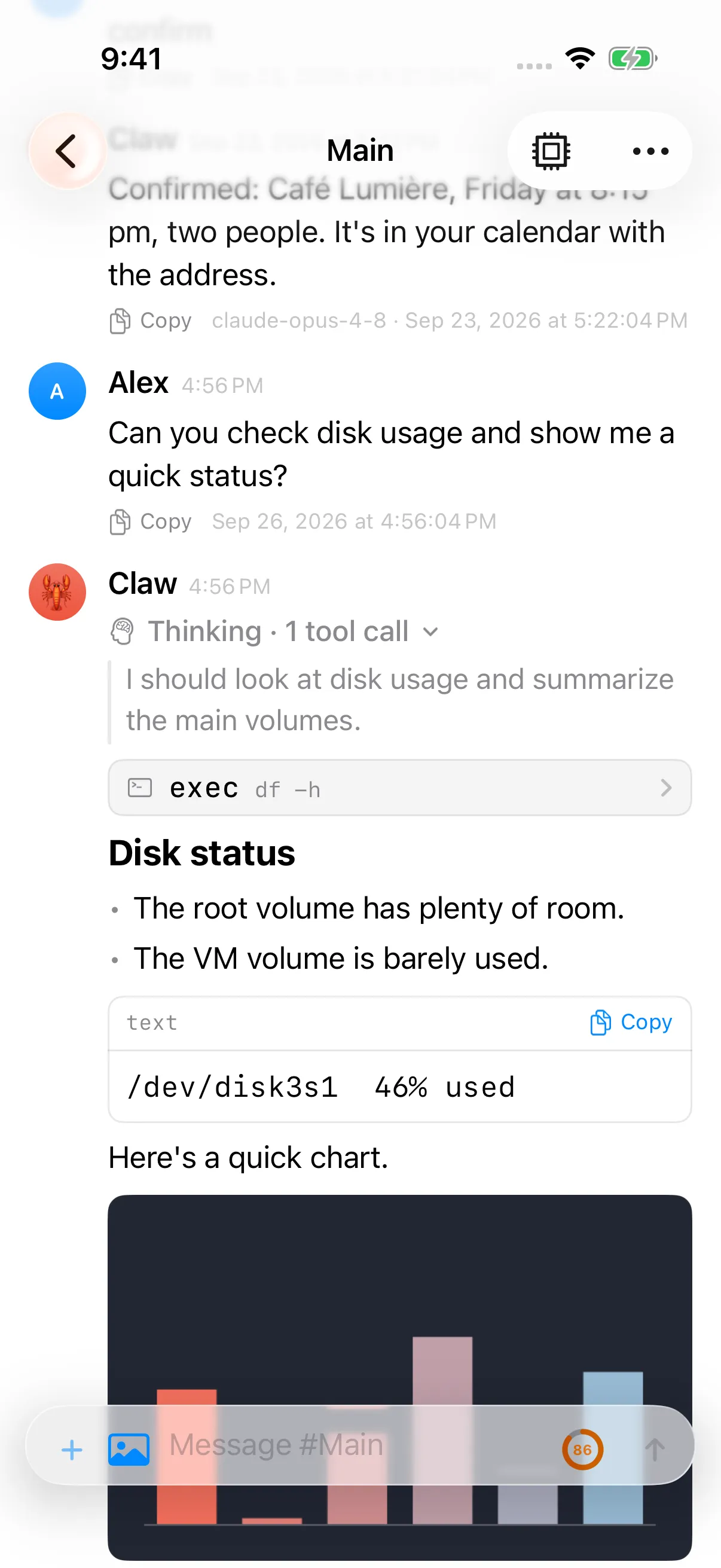
Pincer is a native Mac and iPhone app for your OpenClaw Gateway. Send to an agent from any app, answer exec approvals from a notification, read your chats offline, and keep every gateway in one window.
TestFlight beta or build from source, for macOS 15+ and iOS 18+. No gateway yet? The built-in demo runs entirely on your device.
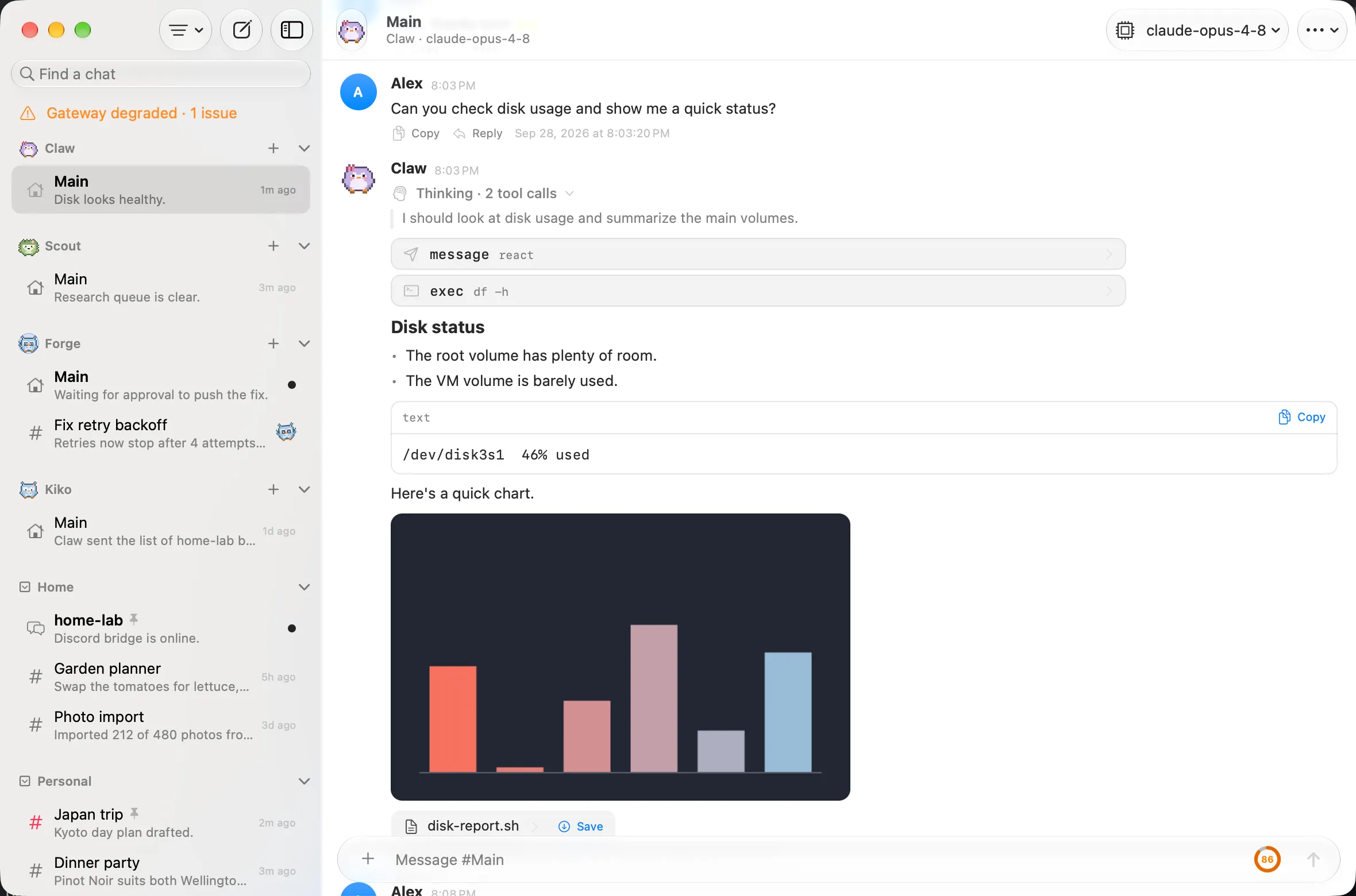
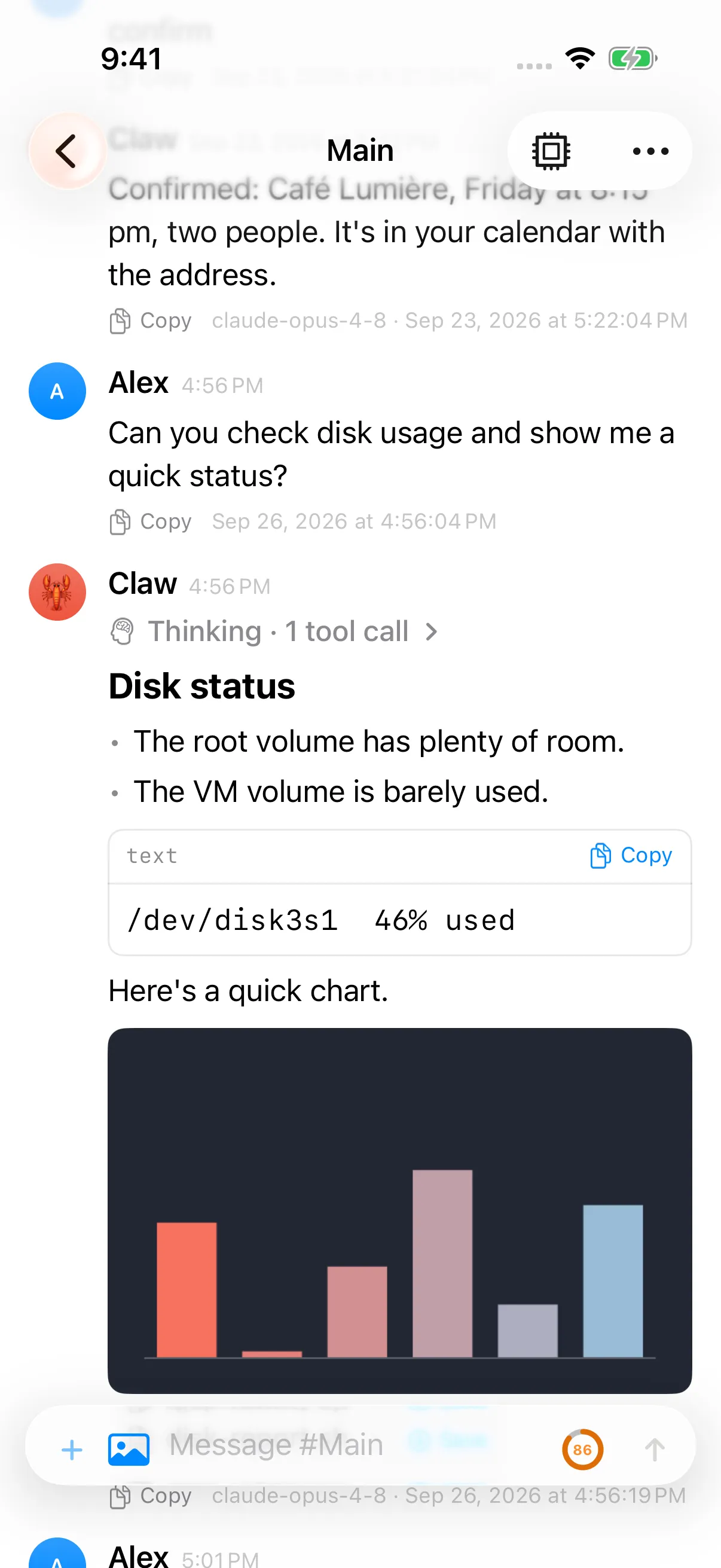
Part of your Mac and iPhone.
Pincer isn’t a tab you have to find. It answers a global shortcut, shows up in the share sheet and Shortcuts, and follows you between devices.
- Quick Capture opens a small composer over any app with ⌃⇧Space. Send to any chat without switching windows. macOS.
- The share sheet sends a page, photo or file from any app to an agent.
- Shortcuts, Siri and Spotlight can ask an agent, send to a chat or count pending approvals, mostly without opening the app.
- Handoff and links move the chat you’re reading between Mac and iPhone. Every chat and message has a pincer:// link.
- The menu bar shows what’s unread, running and waiting for you. macOS.
Quick CaptureShare to PincerShortcuts & SiriDeep links & Handoff

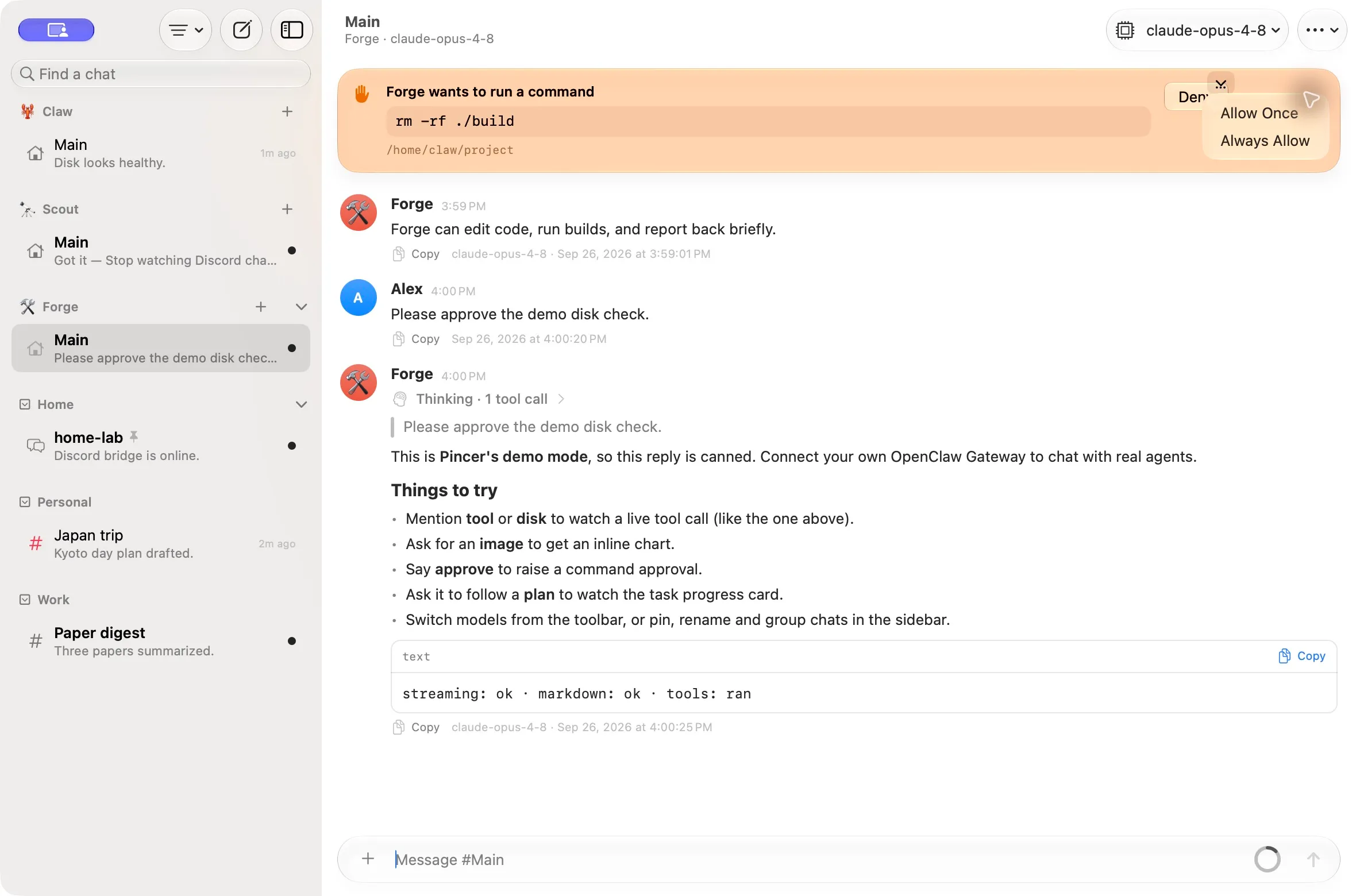
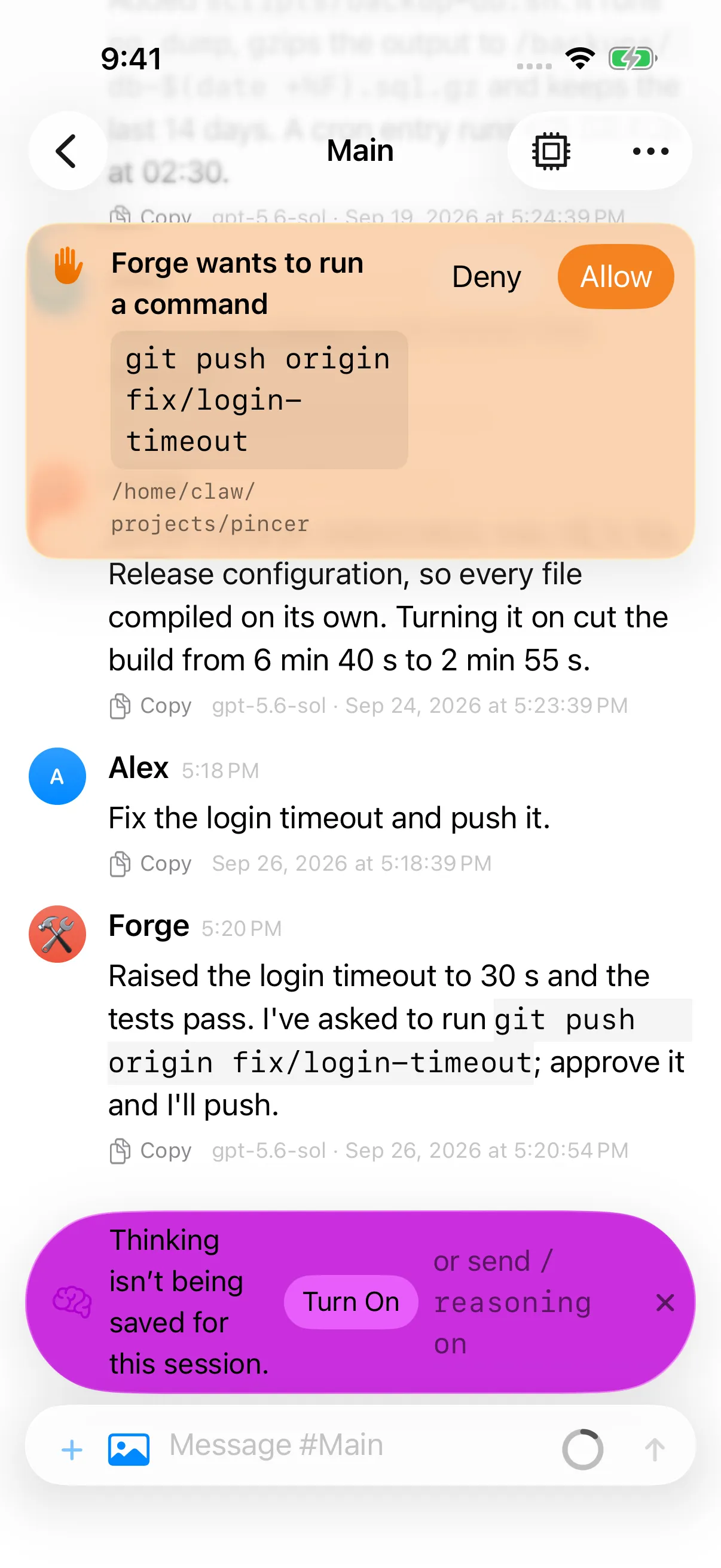
Approvals in a notification.
Allow once, always allow or deny an exec request from a banner or a notification, without opening the chat. On iPhone they arrive even while Pincer is closed, through background refresh or a push relay you host.
Every gateway in one window.
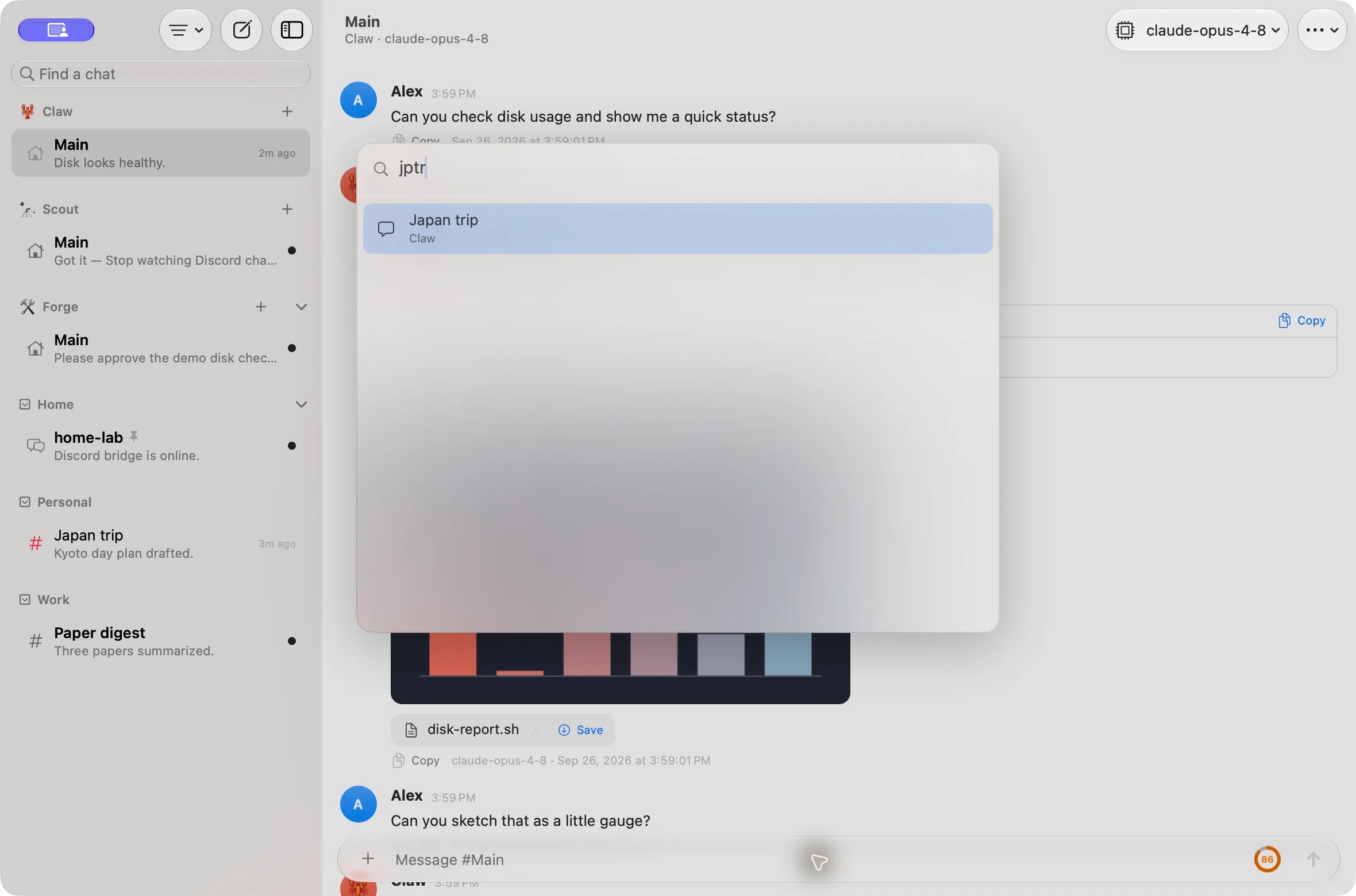
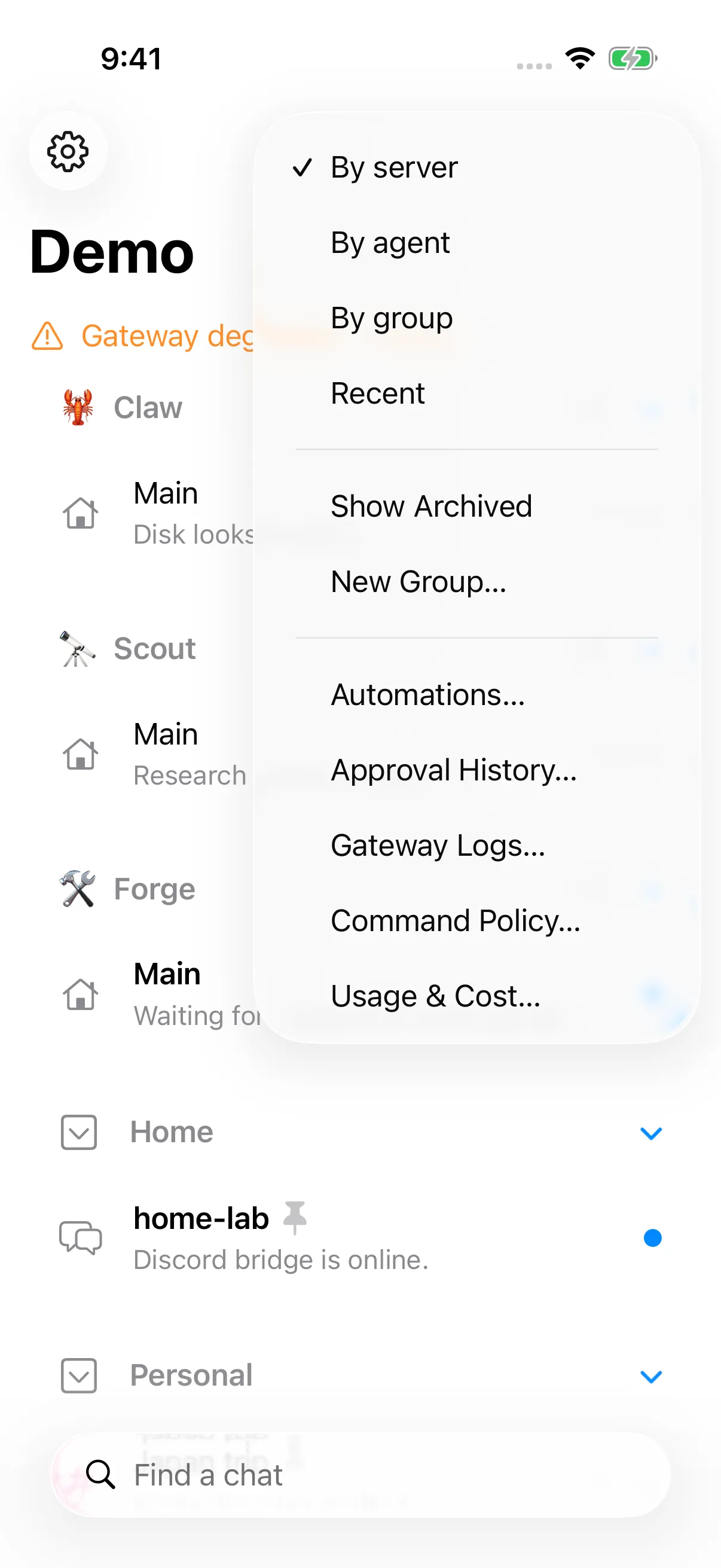
Sign in to home, work and a test box at once. Press ⌘K to jump to any chat on any of them, and open chats in their own windows on the Mac, or side by side on Mac and iPad.
Instant, even offline.
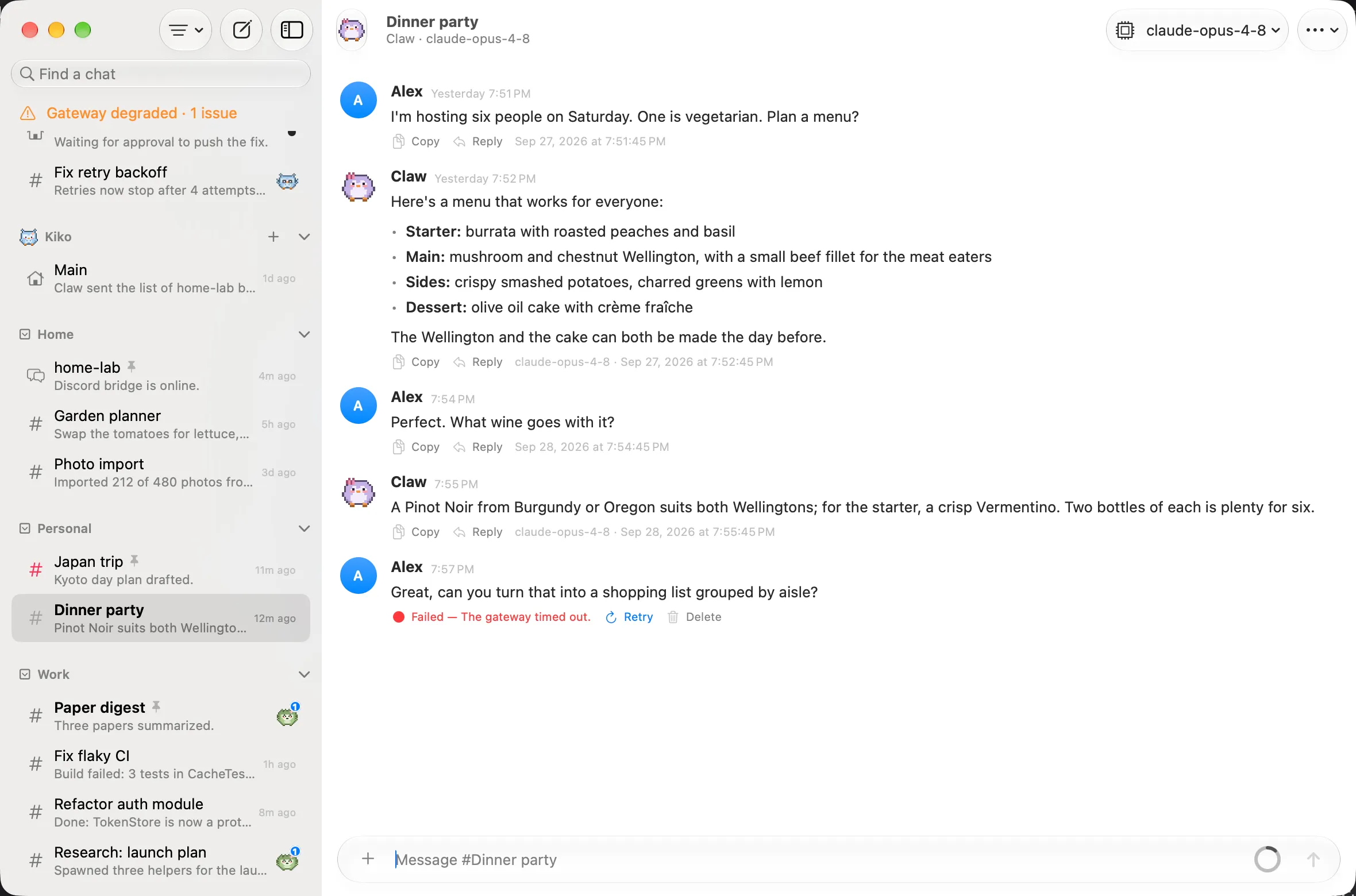
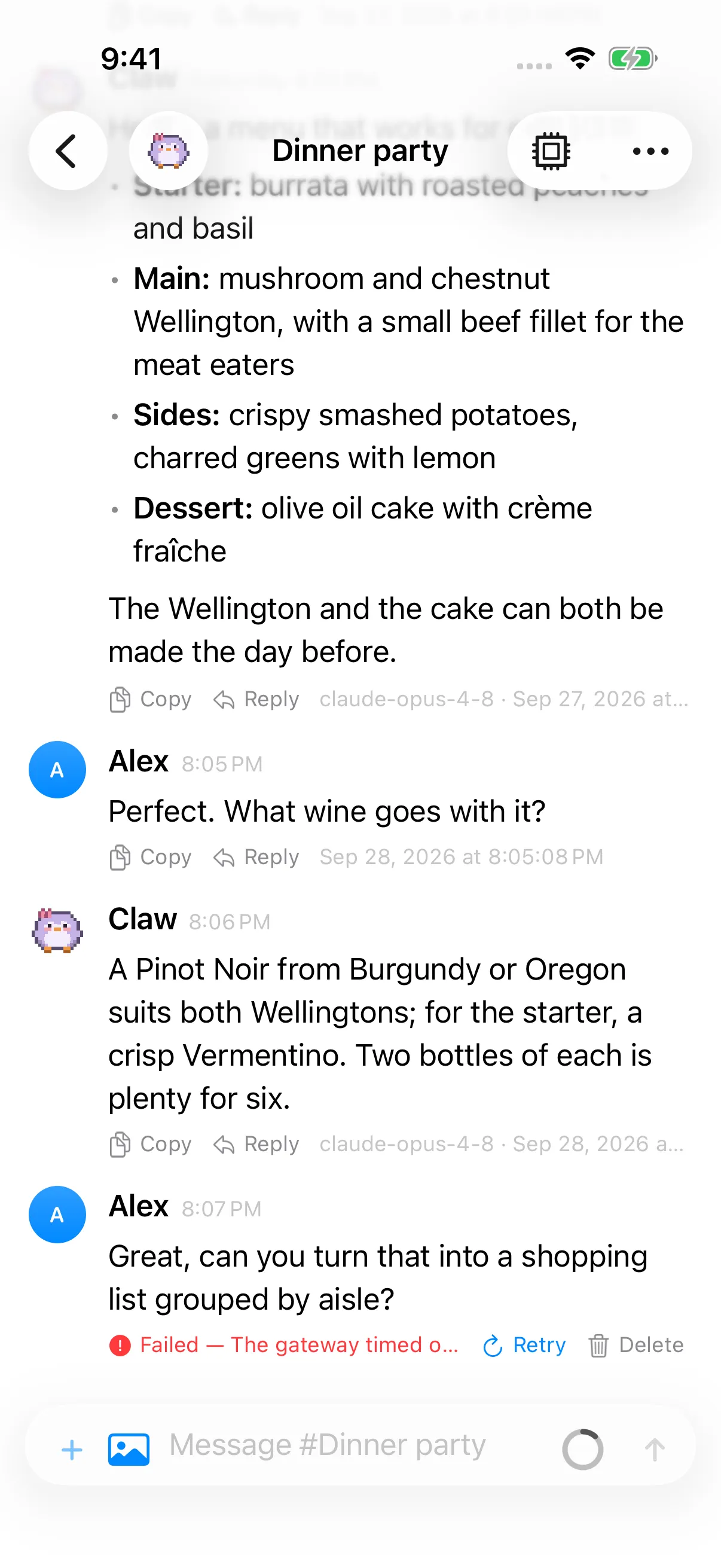
Every chat is kept on your device, so switching chats and scrolling up never wait on the network. Read and search while offline, and anything you write waits in an outbox until you reconnect.
- Native lists and text rendering, with time budgets for switching chats, scrolling and streaming that every change is tested against.
And everything else you’d expect.
Live thinking, tool calls, subagent runs, slash commands, read aloud and dictation, themes, and the common Gateway Settings pages, all as native views. For the full config editor and other admin tools, the Control UI is still the place.
A pure client. Nothing more.
Pincer never bundles, launches or embeds a Gateway, and it never registers as a node. It exposes no camera, screen, shell or system.run capabilities, so you can use it on machines where the official OpenClaw app isn’t allowed.
Per-device identity
An Ed25519 key in the Keychain, this device only. The gateway approves it once.
Encrypted transport
wss://required off your LAN or tailnet, with optional TLS certificate pinning.Scoped access
Read, write and approvals by default. Admin only when you ask for it.
Sandboxed
The macOS app is sandboxed and caches transcripts with complete file protection.
Connected in three steps.
Run a Gateway
Pincer connects to an OpenClaw Gateway you already run: on this Mac, on your LAN, or at home over Tailscale.
Add it in Pincer
Click + in the rail, enter the address, and pick token or password auth. Secrets go straight to the Keychain.
Approve this device
On the gateway host, approve the pairing request. Pincer reconnects on its own.
$ openclaw devices list
$ openclaw devices approve <requestId>

Bring your agents home.
Free and open source under the MIT license.