Built into the system
Quick Capture from any app, the share sheet, Shortcuts and Siri, Handoff and the menu bar.
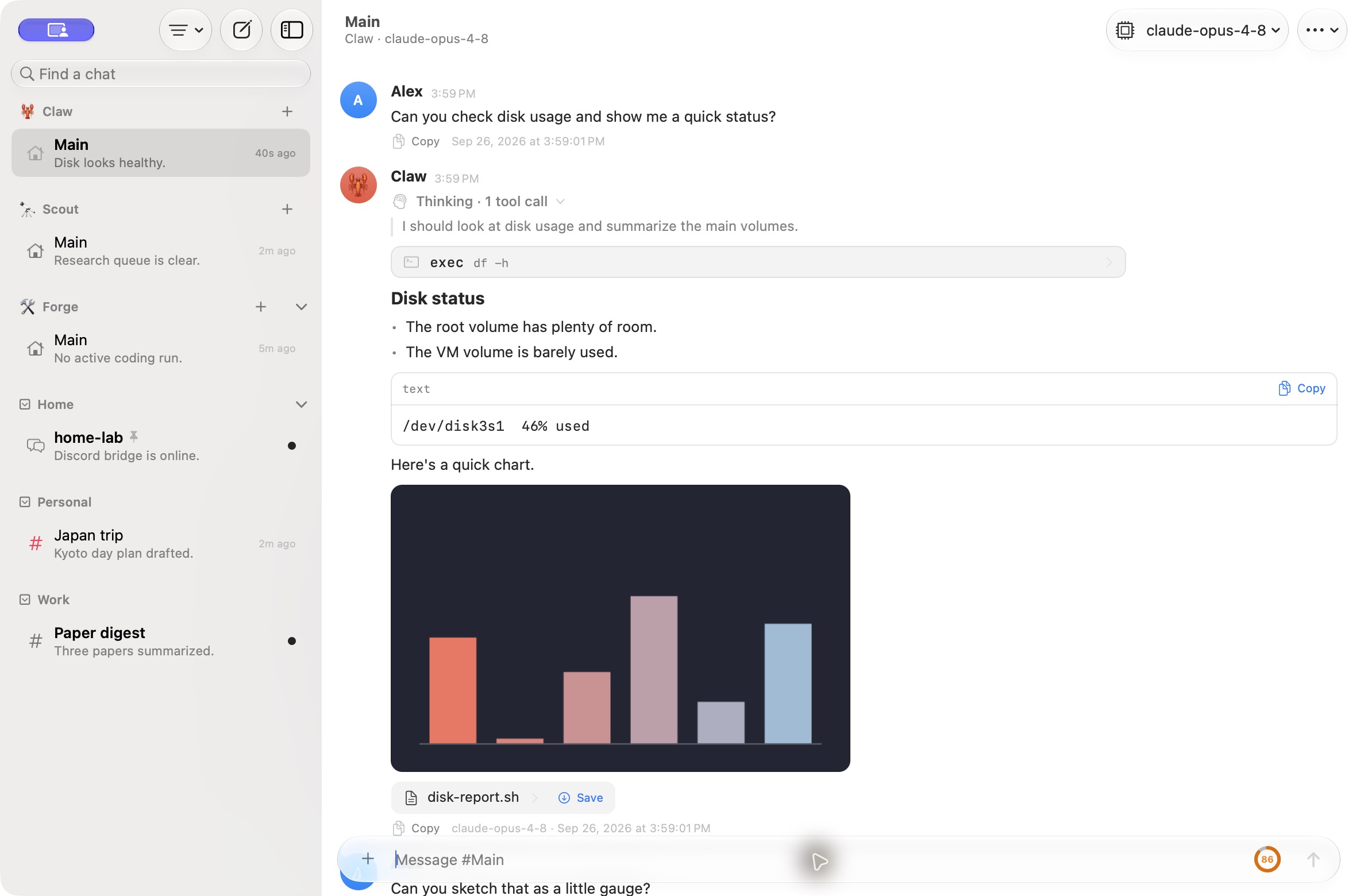
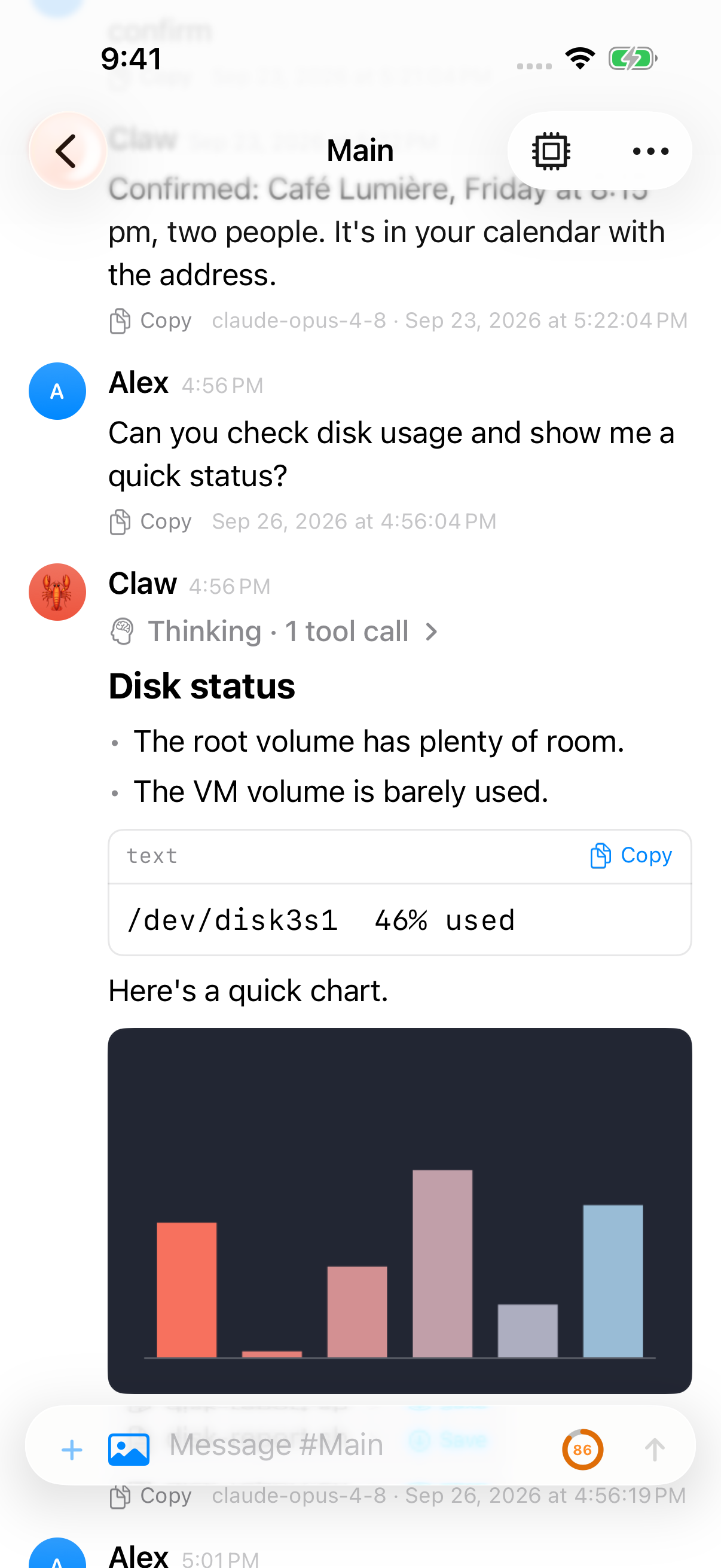
Pincer is a native macOS and iOS app for your OpenClaw Gateway.
Your gateway already serves the Control UI in a browser. Pincer is for when you want your agents in a real app instead: one that answers a global shortcut, appears in the share sheet and Shortcuts, brings exec approvals to your notifications, and keeps every gateway you use in one window. Pincer vs the Control UI says when each fits.
macOS
iOS
Built into the system
Quick Capture from any app, the share sheet, Shortcuts and Siri, Handoff and the menu bar.
Approvals in a notification
Allow or deny exec requests from a notification. On iOS, notifications arrive while the app is closed.
Every gateway, one window
Several gateways signed in at once. Press ⌘K to jump to any chat on any of them, or open chats in their own windows on the Mac.
Instant, even offline
Chats open from a local cache, you can read and search them offline, and messages you write wait in an outbox until you reconnect.
Everything you’d expect from a chat with your agents is there too: live thinking and tool calls, subagent runs, slash commands, read aloud and dictation, and the common Gateway Settings pages.
Pincer is a pure client. It connects to a Gateway you already run and uses the Gateway WebSocket protocol (v4) in the operator role.
system.run capabilities.That’s why you can use it on machines where the official OpenClaw app isn’t allowed. The security model covers the details.
 Pincer · MIT License
Pincer is an independent client and isn’t affiliated with the OpenClaw project.